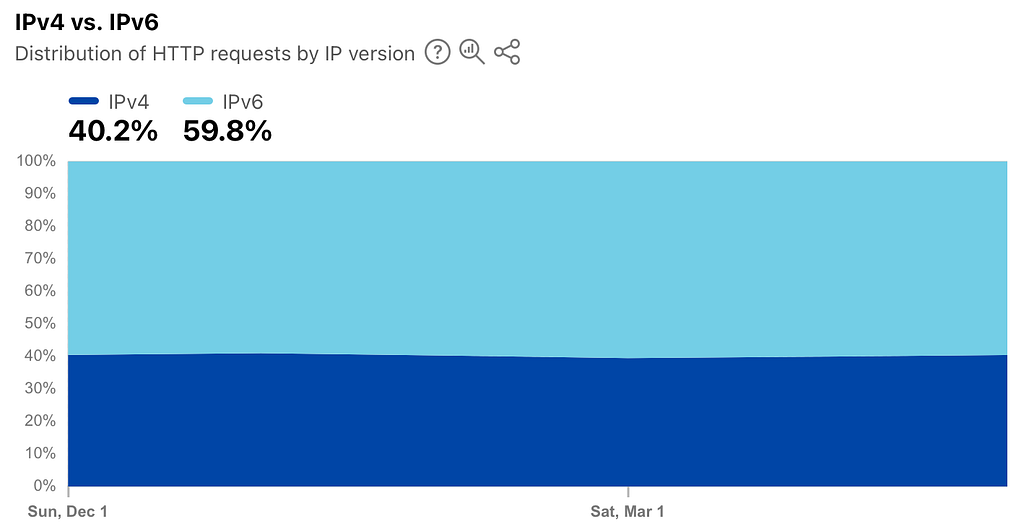
It’s 2025, IPv6 is widely used and deployed. Even countries such as Germany, which usually lag far behind, have a 60% adoption rate of IPv6.
Docker IPv6 Configuration
For some reason, Docker has never made it easy to support and use IPv6. However, there is now a way to configure IPv6 in Docker somewhat easily.
Note: This is a simple example of how to enable IPv6 connectivity in your compose deployments. For more advanced IPv6 configuration with routed networks, you can check out this blog post on APNIC.
Here’s an example compose.yaml file using pi-hole as an example container with the IPv6 network enabled:
services:
  pihole:
    image: pihole/pihole:latest
    networks:
      - ipv6-network
    ports:
      - 53:53/tcp
      - 53:53/udp
    environment:
      TZ: Europe/Paris
    volumes:
      - pihole-etc:/etc/pihole
      - pihole-dnsmasq:/etc/dnsmasq.d
    restart: unless-stopped

networks:
  ipv6-network:
    enable_ipv6: true
The important part is at the end: defining the networks section with the name ipv6-network and the enable_ipv6 setting set to true. IPv4 is also enabled on that network. Then it just needs to be used by the individual services in your compose file using the networks: key in the pihole service.